A project proposal presented for consideration by the UAE Government.

Digital fire safety register for the UAE

One fire safety register per site.

From construction to daily operation, see what needs attention, who is responsible and what has been verified. FireCare is at the MVP stage, designed for web and mobile in English and Arabic.

FireCare.ae Site register
Dubai, UAE
Fire door FD-014Service corridor
09:10
Obstruction reported
09:30
Corridor cleared
09:42
Clearance verified
Upcoming workAssigned to the site team
Today
Emergency exit patrol
This week
Extinguisher checks
This month
Review maintenance contract
Inspection evidenceSite documents and sign-offs
PDF
Evacuation plan
PDF
Contractor service report
Excel
Asset and action log
Illustration of a technician checking a fire riser next to the Dubai skyline
Field capture Photo attached QR or NFC checkpoint
Closure review Evidence verified Authorised supervisor
Interactive preview with sample site data

From construction to daily operation

Set up the register for construction and renovation sites, residential buildings, premises open to the public and facilities with restricted access. The record stays with the site as responsibility changes.

During construction or renovation

Keep permits, temporary measures, equipment outages and open actions visible to the people responsible for the work.

At handover

Give the incoming operator the plans, asset history, outstanding actions and named responsibilities in one record.

In operation

Schedule checks by use and zone. Keep certificates, evacuation plans, contractor reports and shift handovers current.

Build a fire safety register for every site

Give operators, safety teams and maintenance providers a shared record that stays with the site.
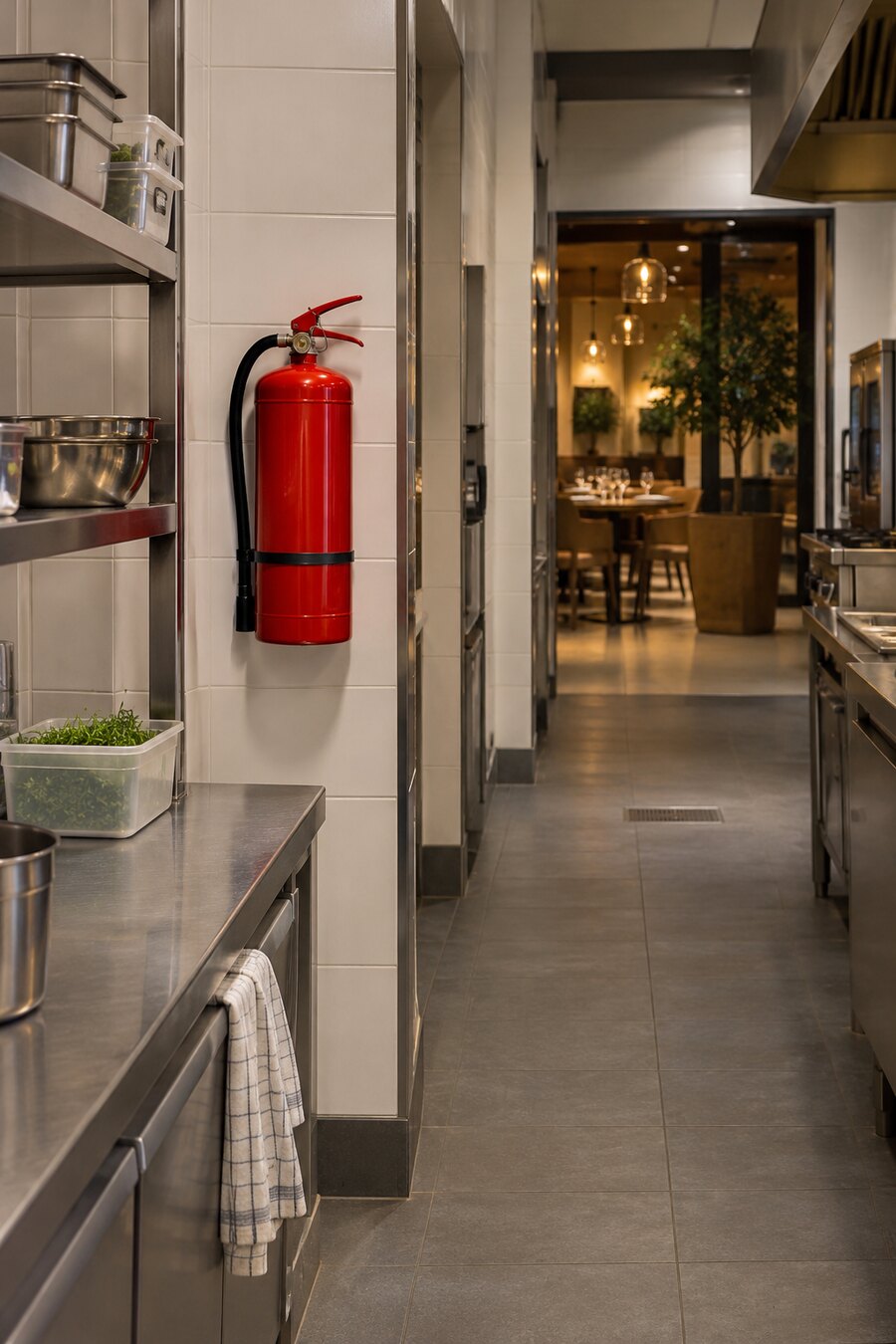
Illustrative service corridor with a mounted fire extinguisher in Dubai
Illustrative site in Dubai, UAE
Sites and equipment
Classify buildings by use and occupancy. Link alarms, pumps, extinguishers and fire doors to their floors, zones and maintenance history.
Rules and scheduled checks
Record the source and version of each approved requirement. Generate due dates, assign checks and keep measurements and evidence with the result.
Versioned documents
Keep certificates, plans and contractor reports with their source, version and expiry date.
An auditable register
See checks, decisions and amendments in order. Each entry keeps its author, time and supporting evidence.
Illustration of a technician recording a check beside a fire door in Dubai
Illustrative patrol in Dubai, UAE

From a mobile patrol to a verified fix

Assign patrol routes and use QR or NFC checkpoints, even offline. A blocked exit is one of many examples the register can follow from the first photo to verified closure.

Record the finding at the door

Open FD-014, add a photo and save the check. Pending uploads remain visible until they sync.

Give the correction a named owner

The owner clears the obstruction. An authorised reviewer checks the evidence and records the closure.

Show the full sequence

The inspection pack links the original finding, the correction and its sign-off to one site and time period.

Shift handover
Record alarms, evacuations and outages. Pass open incidents and instructions to the next team in the shift log.
Reminders and escalation
Flag missed checkpoints and overdue actions. Critical findings follow the site’s approved escalation procedure.

Keep every repair tied to the asset

Send a work order to the assigned contractor, collect their report and record the operator’s acceptance. Keep the asset history when providers change.

Maintenance and AMC
Track annual maintenance contracts, covered equipment, provider approvals and renewals. A planned contractor workspace would show assigned visits and repairs.
Equipment out of service
Show affected zones, temporary measures and the owner. Record a return to service after the required proof and authorised sign-off.
Fire pump FP-02Plant room
Out of service
  1. Impairment recorded
  2. Temporary measures assigned
  3. Contractor report attached
  4. Restoration awaiting verification
Illustrative asset history in Dubai, UAE

Prepare people, plans and permits

Keep the current documents and due dates in the pilot register. Dedicated workflows extend what teams can do with each record.
Plans and instructions
Keep evacuation plans and instructions by version and language. Planned interactive plans link equipment, escape routes, checkpoints and assembly points.
Training and authorisations
Track staff qualifications, supporting documents and expiry dates. Check who is authorised for a task.
Evacuation drills
Record attendance and observations. Give each follow-up action an owner and verify its completion.
Hot work permits
Keep permits and expiry dates. The planned workflow records the request, safety checks, approval, watch and closure.
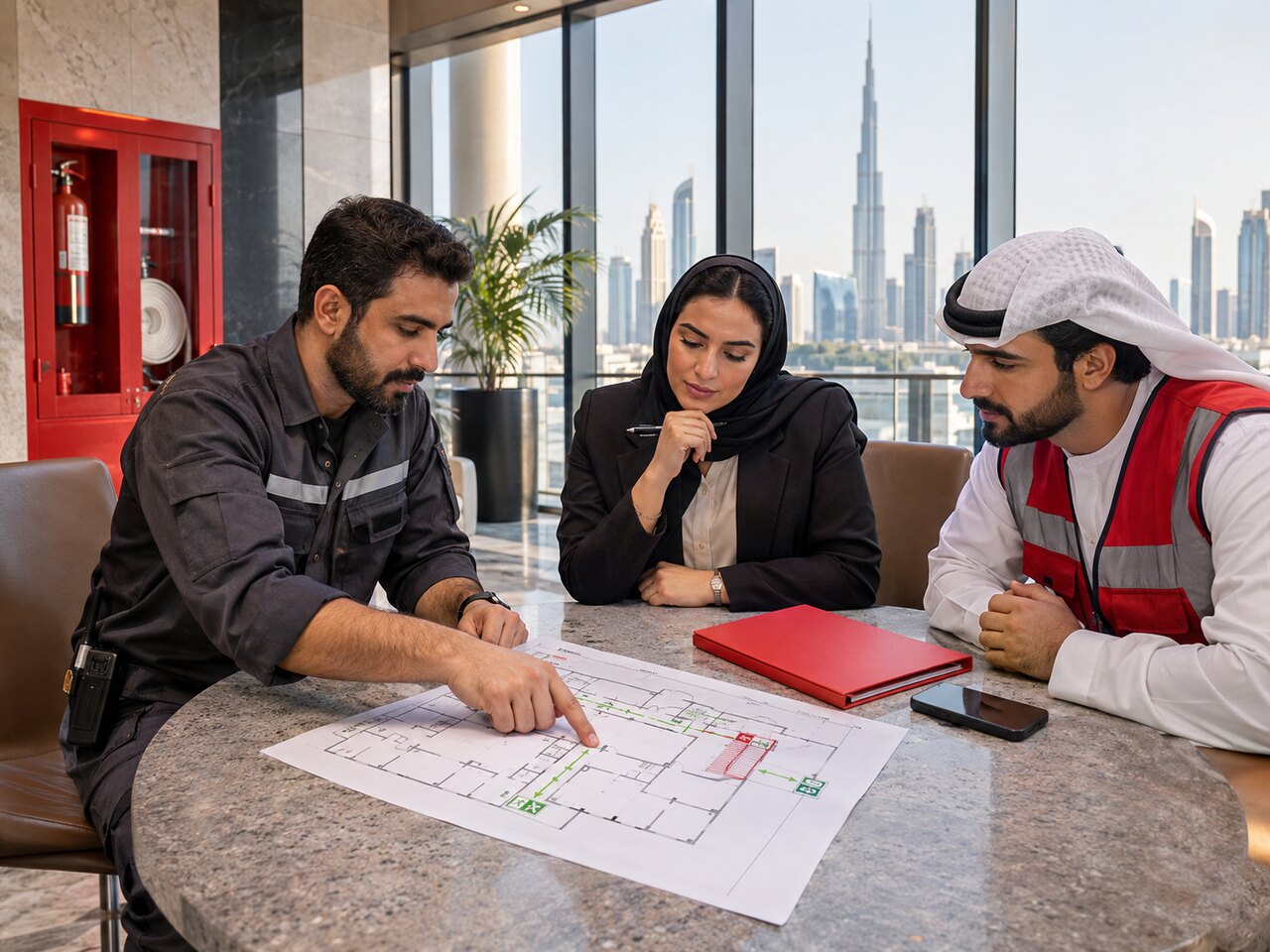
A facilities team reviews an evacuation plan by the Dubai skyline
Illustrative evacuation briefing in Dubai, UAE

See which sites need attention

See overdue checks, missed patrols, open defects, equipment outages and upcoming renewals across sites. Route alerts to the people responsible.

Access by role and site
Give teams and contractors access to their assigned sites and work orders. Administrators manage site settings, access and support. The audit trail records access and changes.
Continuity and control
The design includes multi-factor authentication for sensitive roles, protected backups and a UAE hosting option to validate during the pilot.
Site overviewNext 7 days
SiteChecks dueOpen actionsOut of service
Office building520
Residential tower341
Construction site210
Illustrative dashboard for three Dubai sites

Prepare useful records for Civil Defence

Give authorised reviewers a dated view of what was checked, what still needs attention and who verified each correction.

Inspection file

Prepare a PDF or Excel export for a site and period, with dated checks, certificates, sign-offs, open actions and original evidence.

Proposed briefing for response crews

A dated briefing could include floor plans, access points, areas of special risk and reported equipment outages. Firefighting teams would help define what information is useful before and during a response.

Track official records
Keep preventive safety certificates, maintenance contracts and inspection observations with the issuing source and renewal date where applicable.
Controlled access
The design calls for access by role and site, encryption and audit logs. Agree the purpose, scope and retention before sharing data.
Proposed cooperation
Discuss a pilot with firefighting operations and institutional partnerships. A portal, dashboard or API would require approval and a sharing agreement.
Discuss a partnership

Approved channels handle alarms and dispatch. MOI Hassantuk Civil Defence services Dubai Law No. 4 of 2025

Test the register across different sites

The proposed pilot would test the register with participating operators. We would compare missed checks, time to verified closure, patrol completion and time to prepare an inspection file.

  1. MVP pilot

    Set up each site, import assets and documents, run offline patrols, verify corrections and export a complete site record.

  2. Planned professional features

    Add contractor workspaces, permit approvals, training, drills, interactive plans and AI-assisted document search with human review.

  3. Institutional cooperation

    Agree on what inspectors and firefighters need. Explore an authorised route for sharing records and prevention indicators.

Questions from property teams

See how the register fits into the way you run and hand over a property.

How does FireCare support compliance?

Your appointed safety professional validates the applicable rules for each property. FireCare links each approved obligation to its owner, next due date, result and evidence. The competent authority issues official approvals and certificates.

Can we start with our existing documents?

The pilot is designed to import asset lists and existing records, including plans, certificates and contractor reports. Teams review the source, version and missing information during onboarding.

Can field teams work without a connection?

The planned mobile app supports assigned patrols, QR or NFC checkpoints and photographs offline. It shows which evidence is still waiting to sync.

Who can see our building records?

The design assigns access by organisation, site and role. A contractor sees their assigned work. Any authority portal or integration would require an approved scope and sharing agreement.

How can a company or developer get involved?

Use the form to tell us about your site and what you want to test. The proposed pilot is open to interest from construction projects and buildings in operation across different sectors.

Talk to FireCare

Tell us about your site, request a demo, register your interest in the pilot or discuss a partnership.

contact@firecare.ae